
Android APK Installation and Access Guide
Android APK Installation and Access Guide
Android is the device type most clearly supported by the current AJ03.PK information. The website describes AJ03 as a mobile-focused platform and provides an Android APK installation process. For Android users, the most important part is not simply finding a download button. Users should also check the application source, version, permissions, compatibility, and available storage before installing the file.
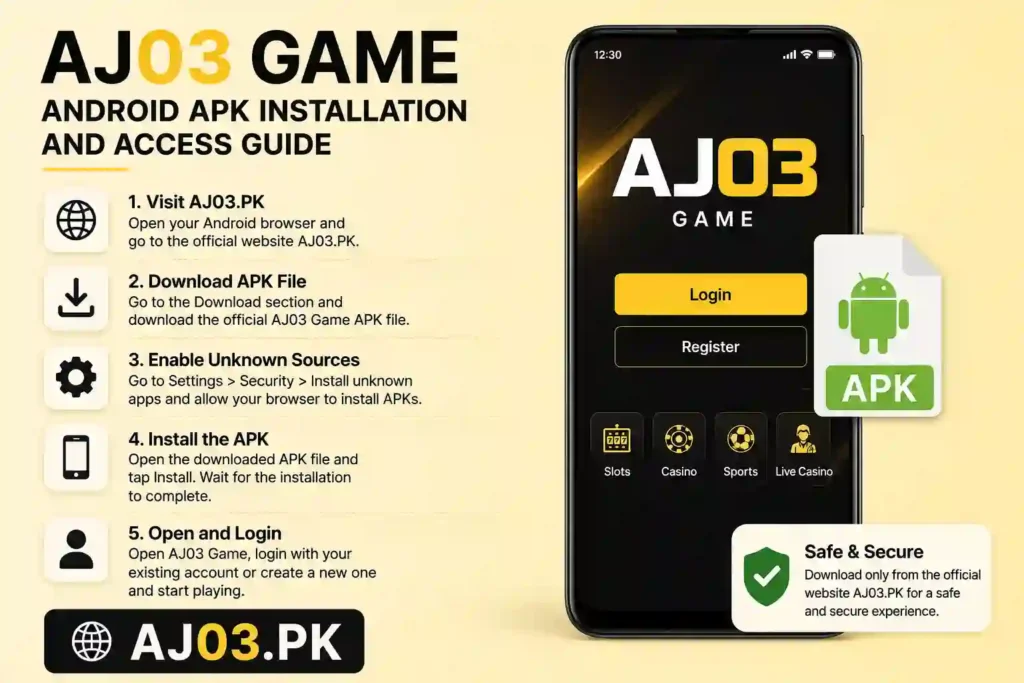
An APK is the installation file used by Android applications. Because this device can allow applications to be installed from outside the main app store, users should pay attention to where the file comes from. A search result by itself does not prove that a file is genuine.
Android Download Steps
- Open Chrome or another trusted browser.
- Visit AJ03.PK.
- Open the Download section.
- Check the application name.
- Check the displayed version.
- Review the available download information.
- Download the APK.
- Wait until the file finishes downloading.
- Open your Downloads folder.
- Tap the downloaded APK.
- Review the device security notification.
- Continue only when you trust the source.
- Complete the installation.
- Open the application.
- Register or log in.
The current AJ03 page recommends checking the website address, application name, version, file source, requested permissions, compatibility, and available storage before installation.
Read more to Register Guide
Android Permission Check
Permissions deserve attention because an application may request access to different parts of your device. Before installing an APK, look at what Android is asking you to allow. If the requested access seems unrelated to the application, stop and investigate before continuing.
Phone Compatibility
Different phones can behave differently during installation. Samsung, Xiaomi, Vivo, Oppo, Infinix, Tecno, and other devices can use different menus and security settings. The current AJ03 page also notes that installation screens may vary between manufacturers.
Avoid Modified APK Files
Do not choose a modified, cracked, hacked, or unlocked file simply because it promises extra benefits. The current AJ03 information specifically warns users about suspicious APK claims such as unlimited balance, guaranteed results, or automatic profits.
For a beginner, the safest approach is simple: use the intended source, check the file information, review permissions, and keep the phone’s security features active.